

Description
Product Overview
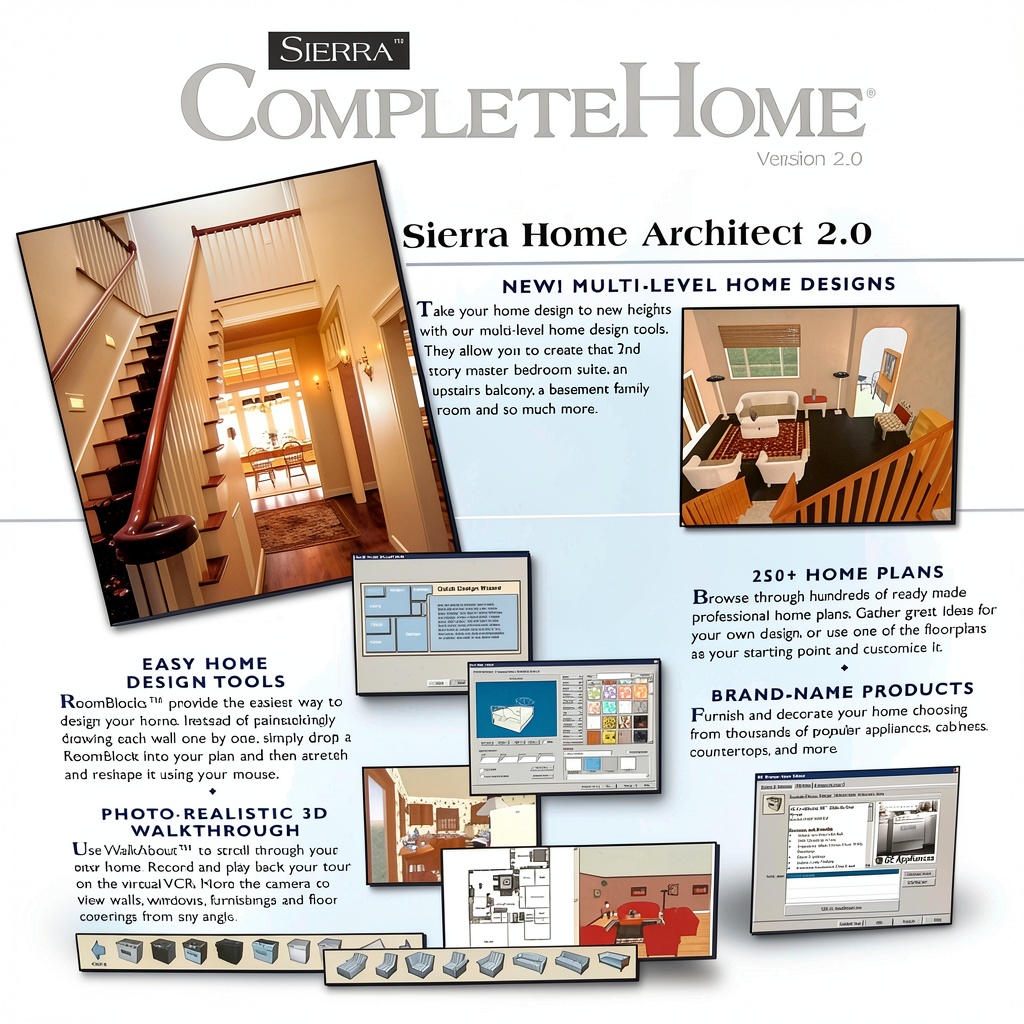
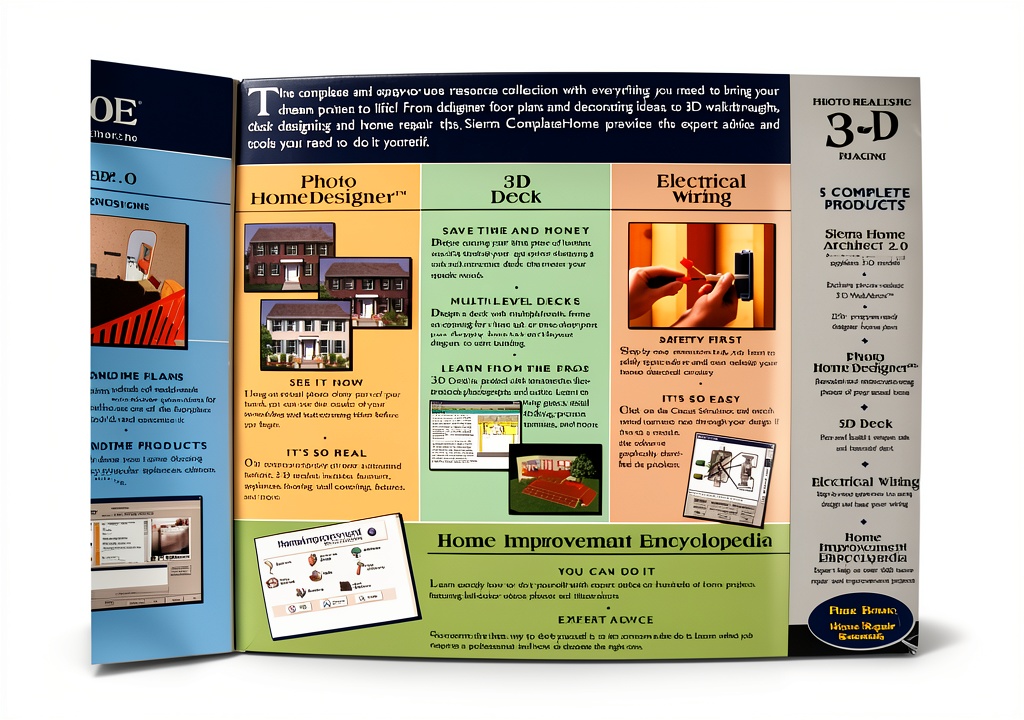
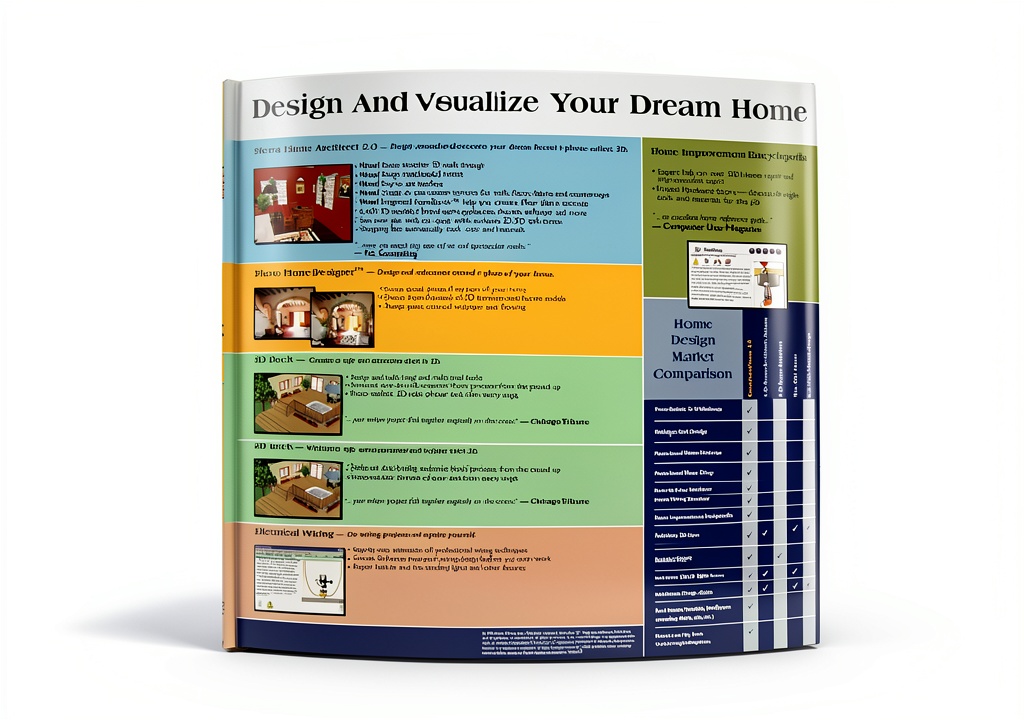
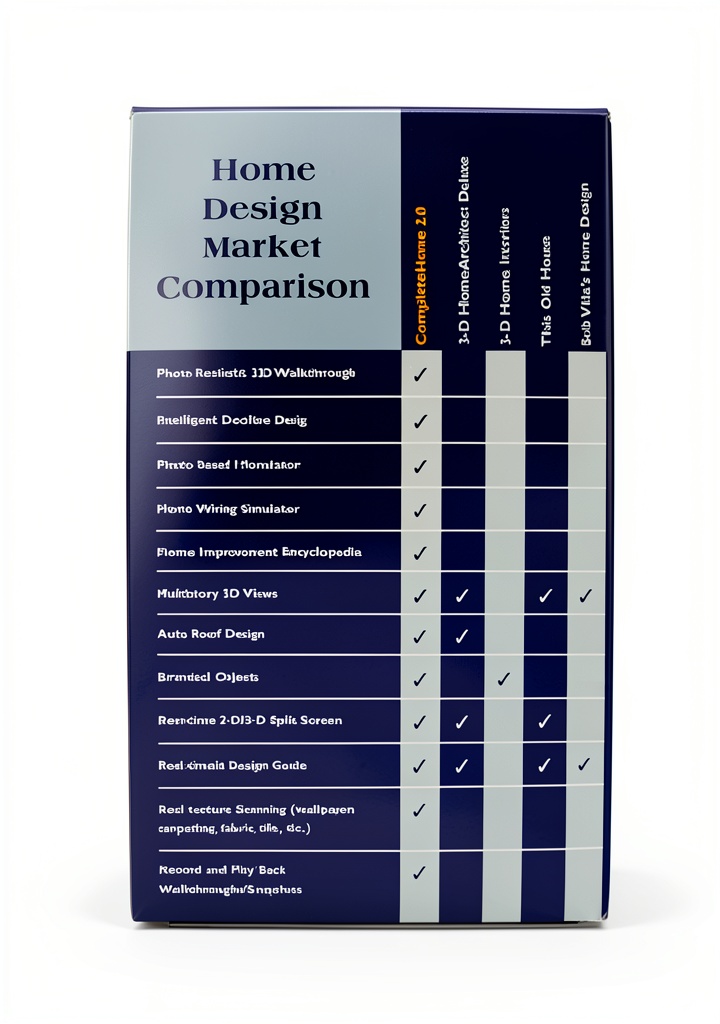
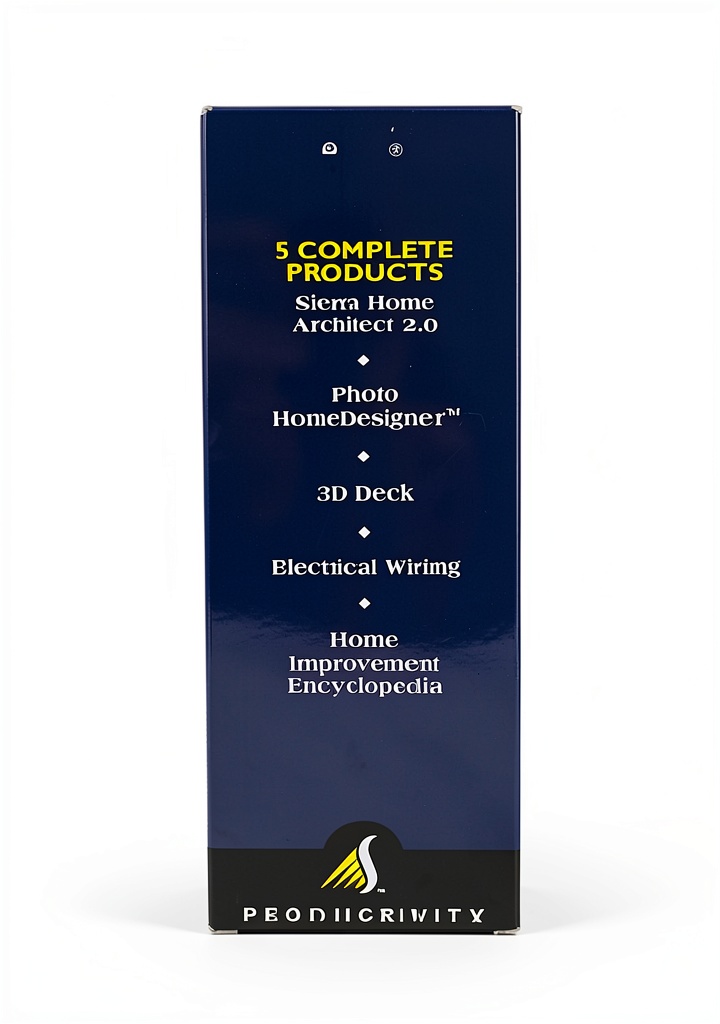
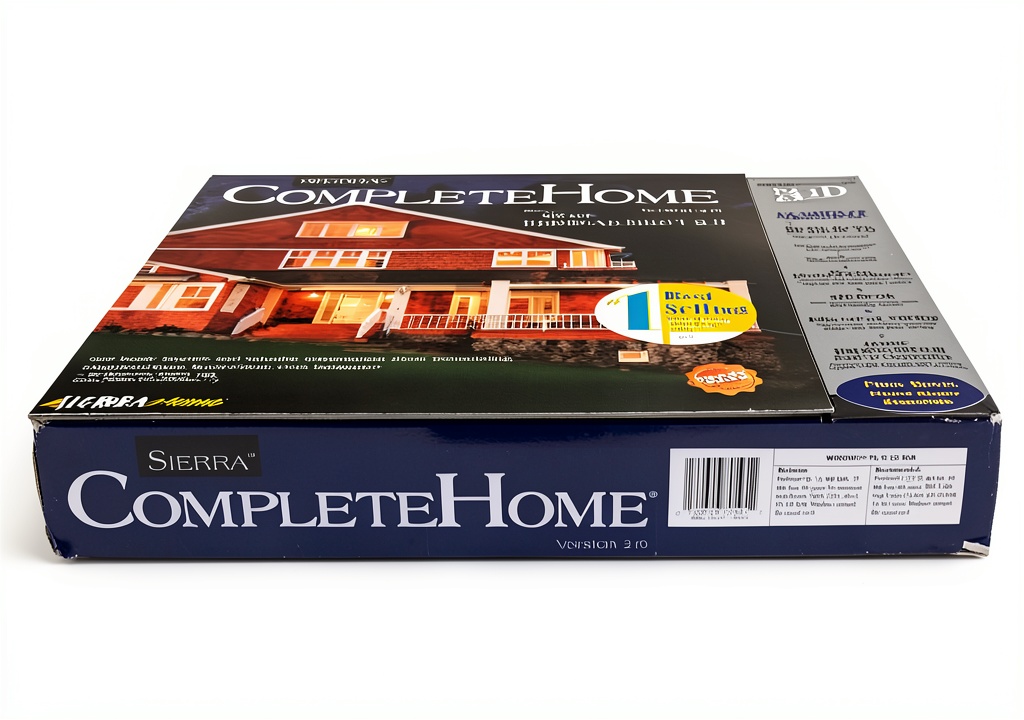
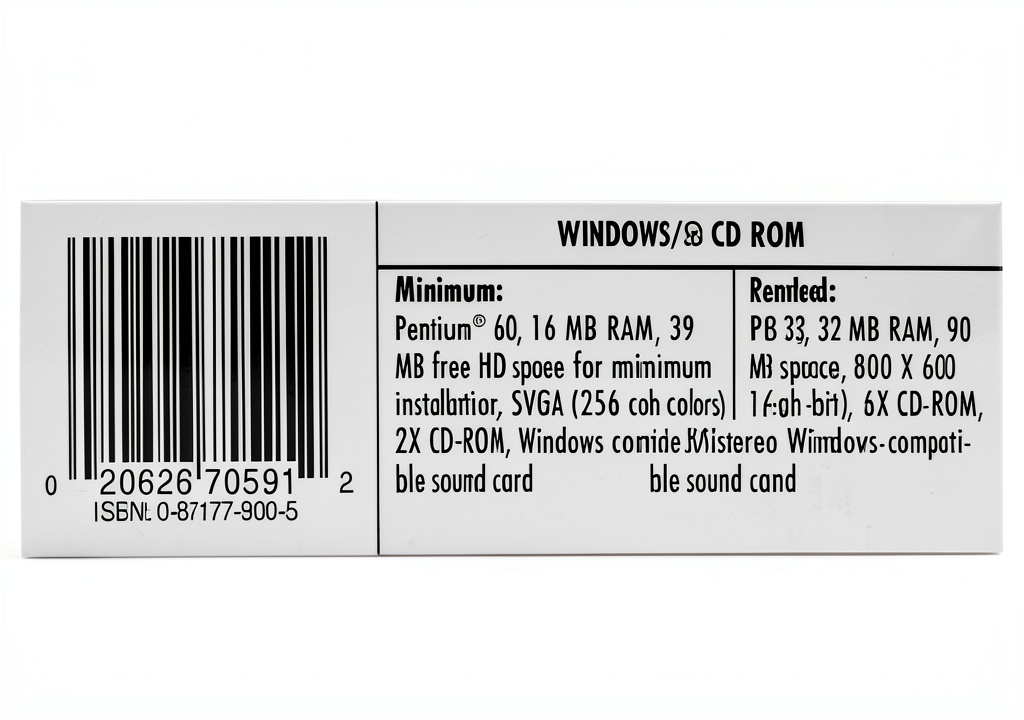
Sierra Home Architect 2.0 delivers a complete digital workshop for home renovation and design. The suite bundles five distinct tools: a 3D floor‑plan creator with over 6,400 furniture and appliance models, Photo HomeDesigner for remodeling using real‑world photos, a dedicated Deck‑Plan module, step‑by‑step Electrical Wiring guidance, and a Home Improvement Encyclopedia covering 500+ projects. The software runs on Windows, requires 2 GB RAM, and occupies 1.85 GB of disk space. Its intuitive interface supports drag‑and‑drop placement, real‑time 3D walk‑throughs, and automatic material takeoffs.
Usage
Designed for homeowners, hobbyist remodelers, and small‑scale contractors, the suite helps visualize kitchen remodels, plan safe decks, and draft electrical schematics before any physical work begins. Use Photo HomeDesigner to upload pictures of your existing rooms and experiment with new colors, flooring, or fixtures. The Deck‑Plan tool ensures compliance with local building codes by calculating load‑bearing requirements. Electrical Wiring guides novices through circuit design, while the encyclopedia offers troubleshooting tips for common repairs. 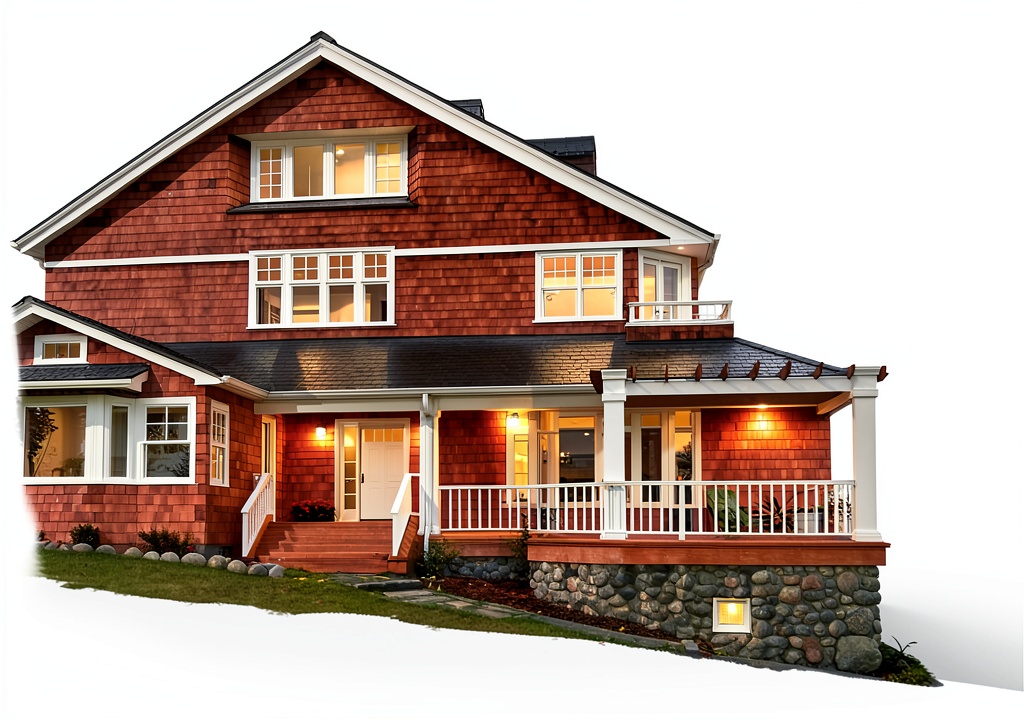
Why Choose Us
Sierra Home combines decades of architectural expertise with a user‑friendly digital platform. Unlike generic design apps, this suite provides industry‑standard 3D models and a dedicated wiring module, reducing the need for multiple separate programs. Regular updates keep the model library current, and the included Home Repair Essentials book adds offline reference value. Customer reviews highlight the accuracy of the deck load calculations and the clarity of the wiring tutorials.
Key Features
- Over 6,400 high‑quality 3D furniture and appliance models for realistic renderings
- Photo HomeDesigner lets you remodel using actual photos of your space
- Deck‑Plan includes safety calculations, material lists, and customizable rail designs
- Step‑by‑step Electrical Wiring module ensures code‑compliant circuit design
- Home Improvement Encyclopedia with over 500 project guides and a free repair handbook
FAQ
Can I use the software on a Mac?
The current version is Windows‑only, but it can run on macOS using virtualization software such as Parallels or Boot Camp.
Do I need prior design experience?
No. The interface is built for beginners, and each module includes tutorials and guided workflows.
Is the deck load calculation compliant with local codes?
The Deck‑Plan tool follows the International Residential Code (IRC) guidelines; however, you should verify local amendments with your municipality.
How often are model libraries updated?
New models and updates are released quarterly, and existing users receive them as free downloads.
What support is available?
Sierra Home offers email support, a community forum, and video tutorials accessible through the Help menu.



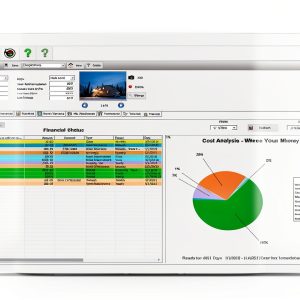
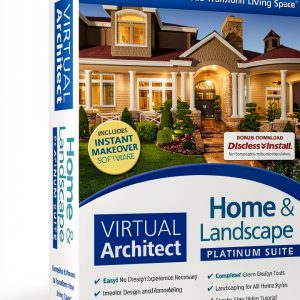 Nova Development Home Design Software
Reviews
There are no reviews yet.